r444 App – Download APK for Android
Free download · Version 3.5.5 · Works on Android 8.0 and above · bKash & Nagad supported
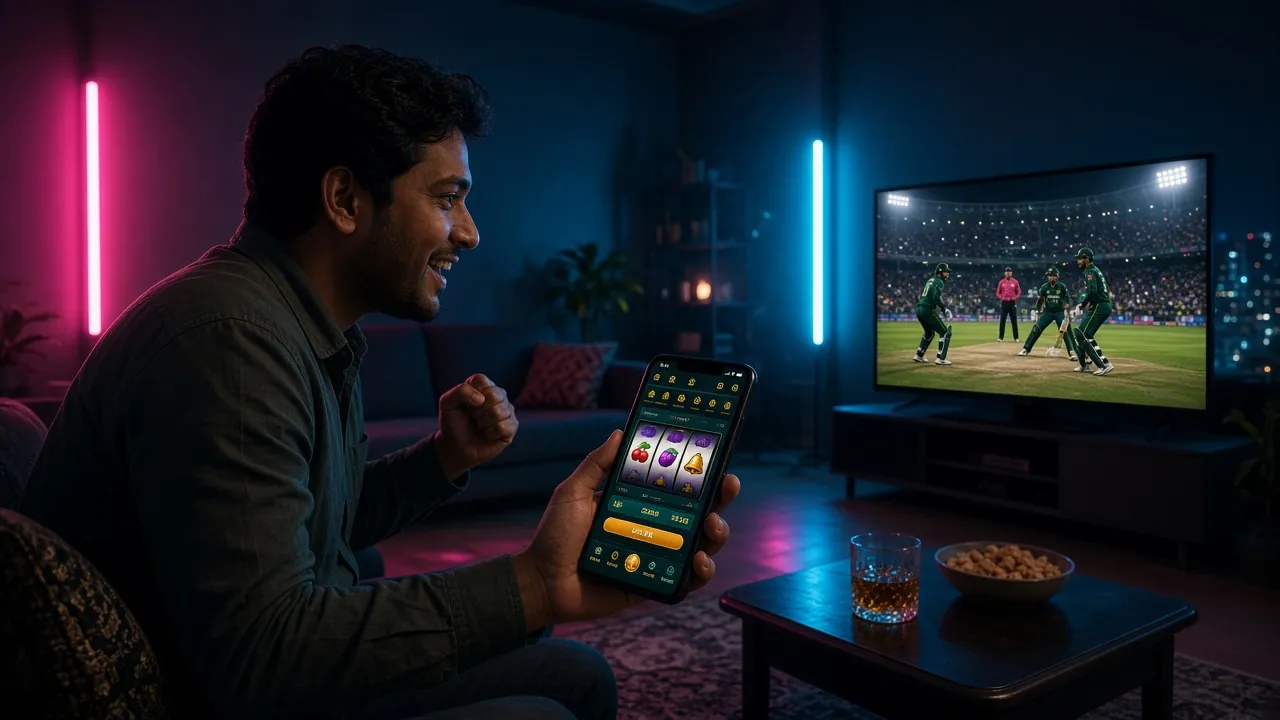
The r444 app puts your full casino and sports betting account in your pocket. Deposit with bKash or Nagad, spin slots, watch live cricket odds update in real time, and withdraw to your mobile wallet — all without opening a browser. The app is lighter than your average social media app and runs smoothly on most Android phones sold in Bangladesh.
What You Get in the r444 App
Everything on the website — optimised for a 6-inch screen and a slow mobile connection.
Slots & Crash Games
Play Dragon and Tiger, Circle, Monster Dice and thousands more from Pragmatic Play, Habanero and PG Soft. The app loads game thumbnails in low data mode, so you don't burn through your MB just browsing the lobby.
Live Casino Tables
Stream HD live dealers from Evolution, Ezugi and Playtech for Baccarat, Roulette and Teen Patti. The app maintains a stable stream even on a standard 4G connection. Minimum bet on Mini Baccarat starts at ৳1.
Cricket & Football Betting
Live odds for BPL, IPL, T20, ODI and international football matches update every few seconds inside the app. Place in-play bets, check match stats, and get push notifications when your selection is settled.
bKash & Nagad Deposits
Tap Deposit, choose bKash or Nagad, and funds land in your r444 wallet in under five minutes. The minimum deposit is ৳200. Rocket and bank transfer are also available directly from the app's cashier screen.
Fast Withdrawals
Withdrawal requests are processed within 30 minutes to your linked bKash or Nagad number. The minimum withdrawal is ৳500. You can track the status of each request in real time from the app's transaction history tab.
Push Notifications & Bonuses
Enable notifications to receive alerts for new reload bonuses, cashback credits, and VIP tier promotions. Your first deposit bonus of up to ৳15,000 can be claimed directly from the app's Promotions tab right after registration.
Android Installation Steps
The r444 APK is not on the Play Store — follow these five steps to install it safely on any Android phone.
-
1Allow Unknown Sources
Open your phone's Settings, go to Security (or Privacy on newer Android versions), and enable Install Unknown Apps for your browser or file manager. This one-time setting lets Android install APK files from outside the Play Store. You can turn it back off after installation.
-
2Download the APK
Tap the Download APK button on this page or scan the QR code with your phone's camera. The file r444r444.apk (32 MB) will save to your Downloads folder. Use a stable Wi-Fi or 4G connection so the file doesn't download partially. Do not download from any other source.
-
3Open the File
Open your phone's File Manager app and navigate to Downloads. Tap r444r444.apk. Android will show a permission prompt asking if you want to install this app — tap Install. The install process takes about 10–15 seconds on most devices.
-
4Install & Open
Once Android says App Installed, tap Open or find the r444 icon on your home screen. The app will load the latest game lobby from our servers — no large content download required on first launch. Your phone needs an internet connection to run the app.
-
5Log In or Register
If you already have an r444 account, enter your username and password to log in. New users tap Register to create a free account in under two minutes using your mobile number and a bKash or Nagad number for deposits and withdrawals.
iOS – Add to Home Screen
There is no iOS App Store version of the r444 app. iPhone and iPad users can add the r444 website as a web app to their home screen. It behaves like a native app and gives you quick access from your home screen icon.
- 1 Open Safari on your iPhone and visit r444r444.com. Safari is required — other iOS browsers do not support the Add to Home Screen feature.
- 2 Tap the Share button at the bottom of Safari (the square with an upward arrow). Scroll down in the share sheet until you see Add to Home Screen.
- 3 Tap Add to Home Screen. You can rename the shortcut to "r444" if you like. Tap Add in the top-right corner to confirm.
- 4 The r444 icon now appears on your home screen. Tap it to open the site in full-screen mode without browser bars. Log in or register as usual.
System Requirements & App Info
| Detail | Value |
|---|---|
| App Name | r444 App |
| Current Version | 3.5.5 |
| File Name | r444r444.apk |
| File Size | 32 MB |
| Minimum Android | Android 8.0 (Oreo) |
| Last Updated | 3 November 2026 |
| Price | Free |
| Languages | English, Bangla |
| iOS Support | Web app via Safari (see above) |
| Internet Required | Yes (Wi-Fi or mobile data) |
The r444 app runs on any Android phone released after 2017 with Android 8.0 or higher. Devices with at least 2 GB RAM will give the smoothest performance for live casino streams.
App vs Website – Feature Comparison
Both options give you full access to your account. Here is what differs between the Android app and the browser version.
| Feature | Android App | Browser (Website) |
|---|---|---|
| Full game lobby access | Yes | Yes |
| bKash / Nagad deposit | Yes | Yes |
| Push notifications for bonuses | Yes | No |
| One-tap login (saved session) | Yes | Depends on browser |
| Live cricket odds refresh | Every 2–3 seconds | Every 5–8 seconds |
| Data usage (1 hour slots) | ~60–80 MB | ~90–120 MB |
| Offline access | Not available | Not available |
| Works on iOS | Android only | Yes (all browsers) |
| Live chat support | Built in | Built in |
| Biometric login (fingerprint) | Supported | No |
Games Available in the r444 App
The full lobby loads inside the app — here are a few titles popular with players in Bangladesh.
 Slots
Dragon and Tiger
Habanero · RTP 96.9% · ৳5–৳10,000
 Fishing
Captain Fisher
Red Tiger · RTP 95.4% · ৳1–৳5,000
Break
Callbreak
Pragmatic Play · RTP 96.5% · ৳1–৳10,000
The app carries the full r444 library — over 5,000 titles from Habanero, Red Tiger, Pragmatic Play, Ezugi, Playtech, Evolution and PG Soft. Use the lobby filter to sort by category (Slots, Live Casino, Fishing, Lottery) or by provider. Explore the full casino.
Security & App Permissions
The r444 APK is scanned and verified before each release. Here is what the app asks for and why.
SSL Encryption on All Connections
Every request the app makes — login, deposit, game load, withdrawal — goes through TLS 1.3 encryption. Your account credentials and payment details are never sent in plain text. You can verify the secure connection in your Android security settings under "Network & Internet".
Minimal Permissions Required
The r444 app asks for: Internet (to load games and process payments), Storage (to cache game assets for faster loading), and optionally Notifications (for bonus alerts). It does not request access to your camera, contacts, microphone, or call logs.
Download Only From This Page
The only official source for the r444 APK is r444r444.com/r444r444-app/. Do not install APK files from third-party APK sites, Telegram groups, or WhatsApp forwards. Unofficial versions may be modified and could put your account or device at risk.
Account Protection
Enable biometric login (fingerprint or face ID) in the app's Account Settings to protect your account even if someone else picks up your phone. Change your password regularly and never share your login details with anyone claiming to be r444 support staff.
Common Installation Problems
If the APK does not install cleanly, check the table below before contacting support.
| Problem | Likely Cause | Fix |
|---|---|---|
| "Install blocked" message | Unknown Sources option is still off for the app you used to open the file. | Go to Settings → Security → Install Unknown Apps, find your file manager or browser in the list, and toggle it on. Then tap the APK file again. |
| Download stops at 0% or 50% | Unstable mobile data connection or the browser timed out before the 32 MB file finished. | Switch to Wi-Fi or a stronger 4G signal. Clear your browser's download queue and tap Download APK again. Check your free storage — you need at least 100 MB free. |
| "App not installed" error after tapping Install | An older version of the r444 app is already installed and conflicting with the new APK, or the downloaded file is corrupted. | Uninstall any existing r444 app first (long-press the icon → Uninstall), then install the fresh APK. If the problem continues, delete the APK file and download it again. |
| App crashes immediately after opening | Device runs Android 7 or lower (below the minimum requirement), or does not have enough free RAM. | Check your Android version in Settings → About Phone. The app requires Android 8.0 minimum. Close background apps to free RAM, then try opening again. |
| Games load slowly or freeze in-app | Weak internet connection or the device's cache is full, causing the game engine to struggle. | Connect to Wi-Fi or move to an area with stronger 4G. Inside the app go to Settings → Clear Cache. This does not delete your account or balance data. |
Still stuck? Contact 24/7 live chat support from inside the app or email [email protected]. Include your Android version and the exact error message to get faster help.
FAQ – r444 App Download & Installation
01 Is the r444 APK safe to download?
02 Why is the r444 app not on the Google Play Store?
03 How do I update the r444 app to the latest version?
04 Does the r444 app work on all Android phones?
05 Can I use the same account on both the app and the website?
06 What should I do if I forget my password on the app?
07 Is there a separate app for deposits and withdrawals, or is it all in one?
Ready to Play on Your Phone?
Download the r444 app, create your account, and deposit from ৳200 with bKash or Nagad. Your welcome bonus of up to ৳15,000 is waiting in the Promotions tab.
18+ · Play Responsibly · Android 8.0+ required